
How to Sync digital clocks over a local network (LAN)
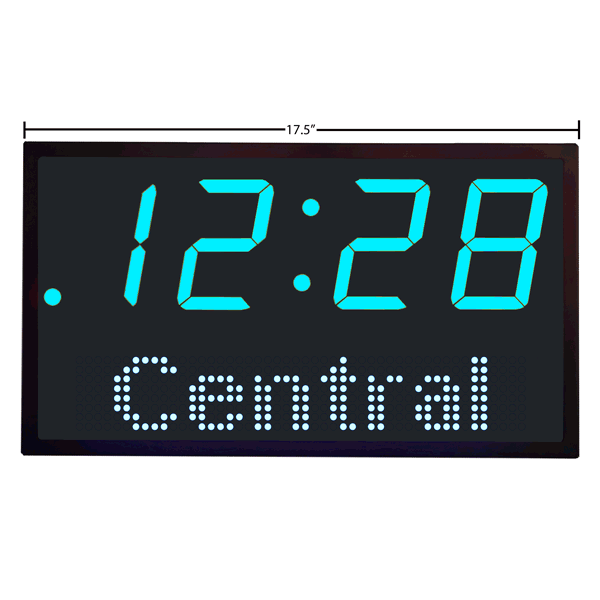
Syncing digital clocks over a local network (LAN) is a bit like getting a large orchestra to play in time. You need a “conductor” (a time server) and a “rhythm” (a protocol) to ensure every device matches up, despite the tiny delays caused by network traffic.
The gold standard for this process is NTP (Network Time Protocol) or its high-precision cousin, PTP (Precision Time Protocol).
1. The Core Protocol: NTP
Most local networks use NTP. It is designed to synchronize clocks within a few milliseconds of each other over the internet, and even better (sub-millisecond) on a stable local network.
How the Sync Works:
- The Request: The client (your digital clock) sends a packet to the NTP server containing its current timestamp ().
- The Receipt: The server receives the packet and records its own time ().
- The Response: The server sends a packet back at time , containing both and .
- The Arrival: The client receives the packet at .
By using these four timestamps, the client can calculate the round-trip delay and the clock offset using the following formulas:
- Round-trip delay:
- Clock offset:
The client then adjusts its internal clock to match the server, accounting for the time it took the message to travel across the wires.
2. Choosing Your Time Source
To sync your clocks, you need to decide where the “truth” comes from.
| Source Type | Description | Best For |
|---|---|---|
| External NTP Pool | Syncing to public servers (like pool.ntp.org). | General use, requires internet. |
| Local Gateway | Your router acts as the NTP server for the LAN. | Simple home/small office setups. |
| Dedicated Stratum 1 | A hardware device on your LAN with a GPS antenna. | High security or air-gapped networks. |
3. Implementation Steps
If you are setting this up yourself, here is the typical workflow:
- Step 1: Set up the Server. On a Linux machine, you might install
chronyorntpd. On Windows, the “Windows Time” service can be configured as a server. - Step 2: Open Ports. Ensure UDP Port 123 is open on your firewall; this is the dedicated lane for NTP traffic.
- Step 3: Configure Clients. Point your digital clocks (or IoT devices) to the local IP address of your server.
- Step 4: Poll Interval. Set how often the clocks check-in. Every 64 to 1024 seconds is standard to maintain accuracy without flooding the network.
4. For Extreme Precision: PTP (IEEE 1588)
If you are working in a professional broadcast studio or a power plant where even a millisecond is too much drift, you use PTP.
PTP uses hardware-level timestamping on the network cards themselves to account for the nanoseconds a packet spends sitting inside a network switch. This can achieve sub-microsecond accuracy.
Note: PTP usually requires “PTP-aware” switches to maintain this level of precision across the network.